Slides - Vector Database and NoSQL differences
VECTOR DB SLIDES |
WHAT IS VECTOR DB |
USES OF VECTOR DB |
VECTOR DB VS TRADITIONAL DB SL |
VECTOR DB VENDORS | |
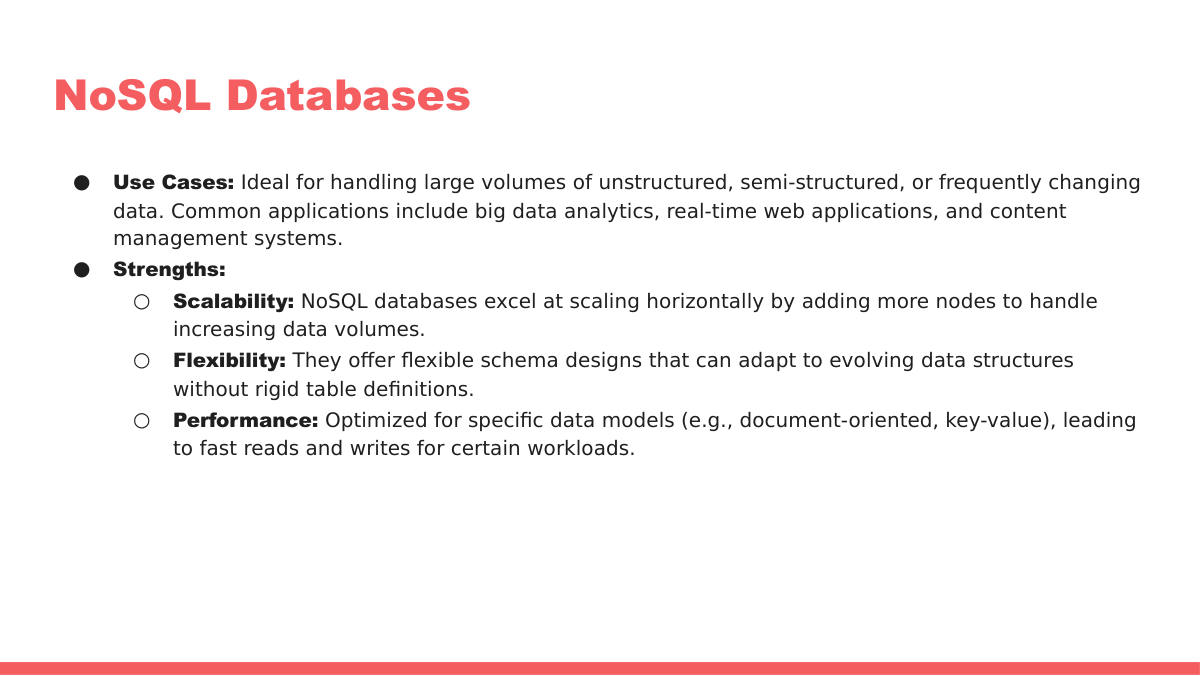
Vector Databases vs. NoSQL Databases: A Comprehensive ComparisonIn the ever-evolving landscape of data management, choosing the right database is crucial for the success of any application. While traditional relational databases have been the mainstay for decades, the rise of unstructured data and specialized workloads has led to the emergence of NoSQL and Vector databases. This article provides a detailed comparison between Vector databases and NoSQL databases, exploring their strengths, weaknesses, and ideal use cases, to help you make informed decisions about your data storage and retrieval needs. Understanding NoSQL DatabasesNoSQL databases, short for "Not Only SQL," represent a departure from the traditional relational database model. Designed to handle large volumes of unstructured or semi-structured data, NoSQL databases offer flexibility, scalability, and high performance. They come in various flavors, each with its own data model and strengths:
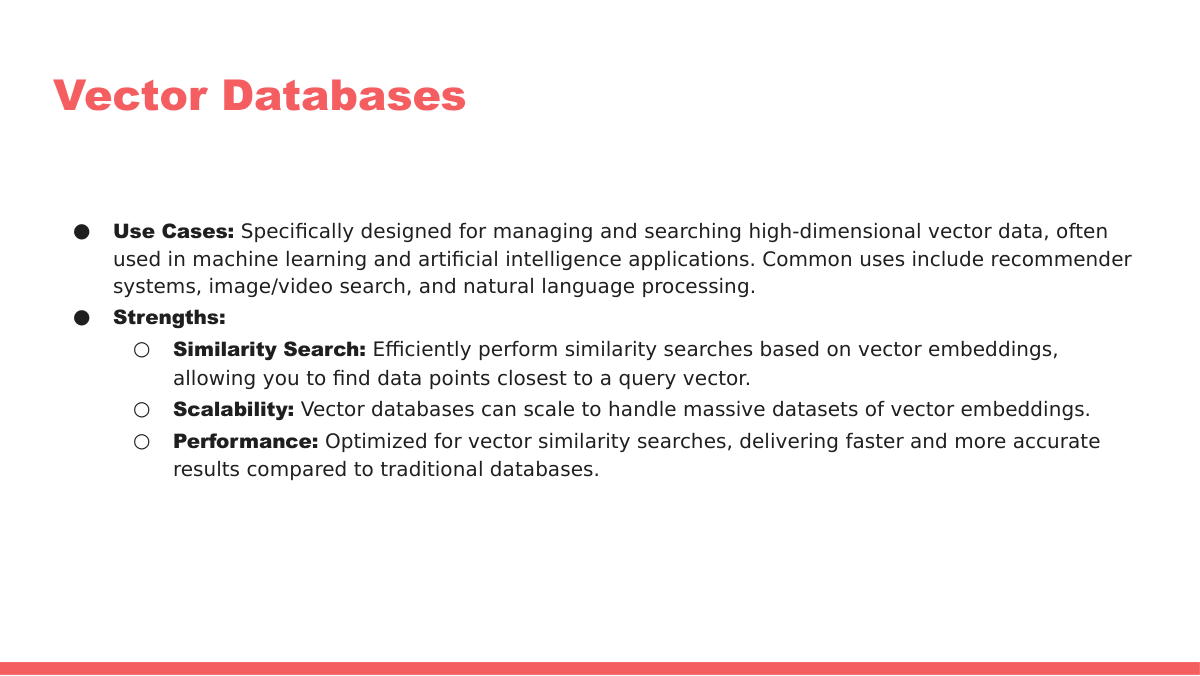
Understanding Vector DatabasesVector databases are a specialized type of database designed to store and retrieve vector embeddings. Vector embeddings are numerical representations of data, capturing the semantic meaning and relationships between different data points. These databases excel at similarity search, enabling applications to find the most similar items to a given query based on vector distance metrics like cosine similarity or Euclidean distance. Vector databases are particularly relevant for applications involving:
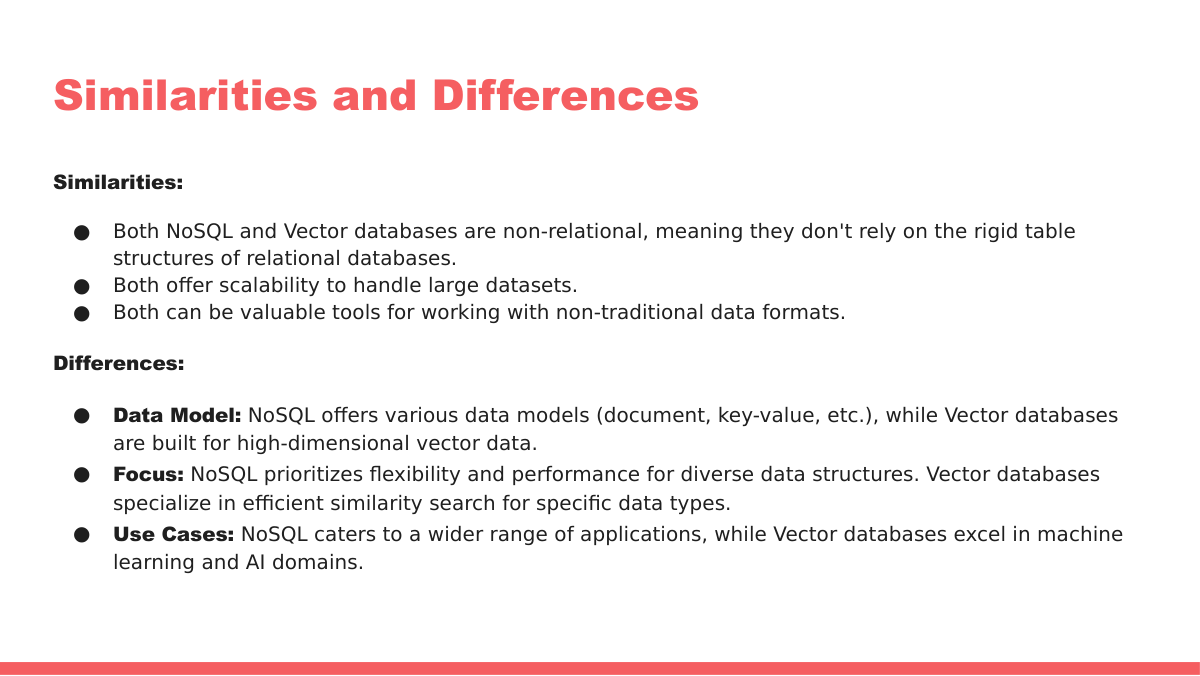
Vector Databases vs. NoSQL Databases: A Detailed ComparisonThe following table provides a comprehensive comparison between Vector databases and NoSQL databases, highlighting their key differences and characteristics:
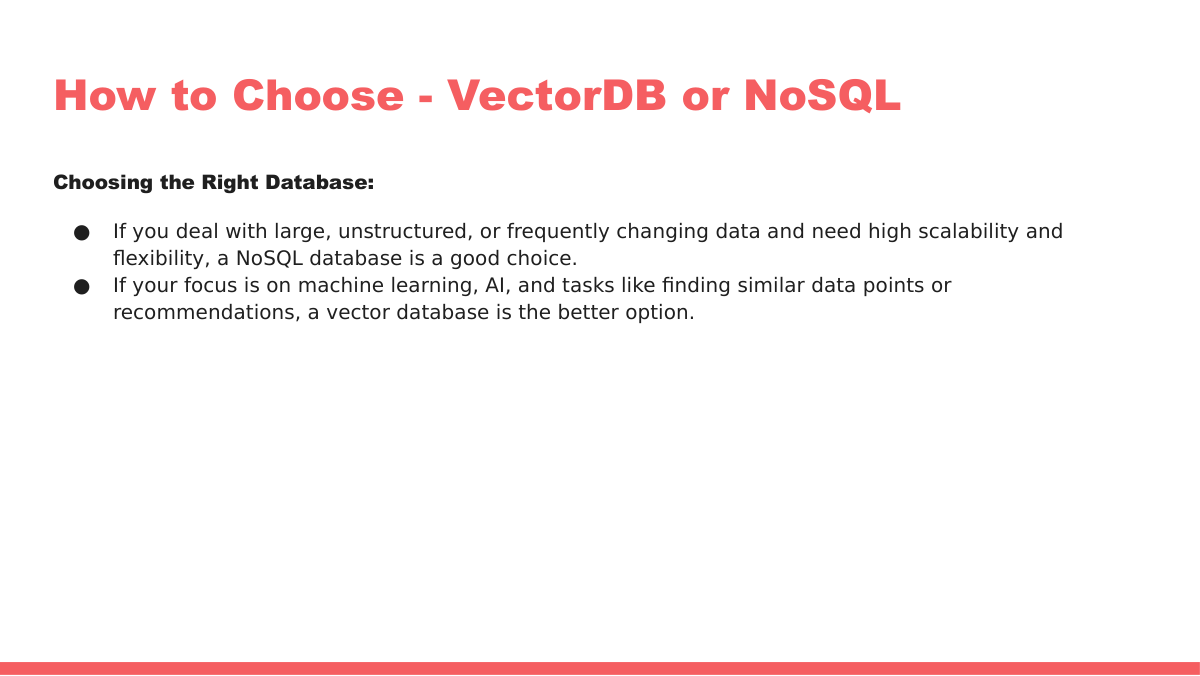
When to Use Vector DatabasesVector databases are the ideal choice when:
When to Use NoSQL DatabasesNoSQL databases are a good fit when:
Can They Work Together?Absolutely! Vector databases and NoSQL databases can often be used together in a complementary fashion. For example, you might use a NoSQL database like MongoDB to store the metadata and attributes of your data, while using a Vector database like Pinecone to store the vector embeddings of that data. Your application would then use the Vector database for similarity search and retrieve the corresponding metadata from the NoSQL database. ConclusionChoosing between Vector databases and NoSQL databases depends on the specific requirements of your application. Vector databases excel at similarity search and semantic understanding, while NoSQL databases provide scalability and flexibility for handling various data types. By understanding their strengths and weaknesses, you can make the right choice and build powerful data-driven applications. |
|||||||||||||||||||||||||||||||||||||||
2-how-vector-databases-work-i Challenges-frequent-update Cosine-similarity Criteria-to-select-vector-db Crud Operations For Vector DB Tutorials Uses-of-vector-db Vector-db-anti-patterns Vector-db-applications Vector-db-crud