What are Vectors | Slides
what-are-vectors


Concept Description
What is a Vector DB?
A Vector Database (Vector DB) is a type of database specialized in storing, indexing, and searching information that is represented as vectors. Vectors are mathematical representations of data, often derived from high-dimensional datasets like images, text, and audio. The core functionality of a Vector DB lies in its ability to perform similarity search operations, enabling tasks like image recognition, recommendation systems, natural language processing (NLP), and more. Unlike traditional databases that handle structured data like numbers or strings, Vector DBs focus on unstructured data through vector embeddings.
What are Vectors?
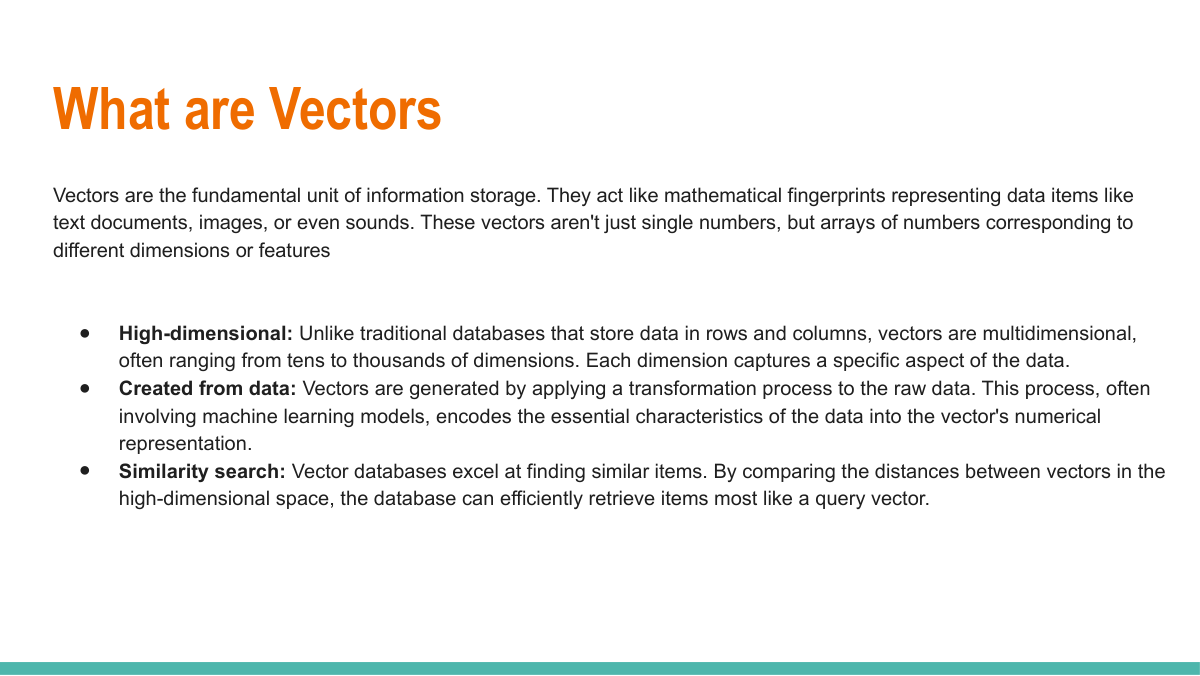
Vectors, in the context of machine learning and data science, are numerical representations of data points in a multi-dimensional space. For example, a word in natural language processing might be represented as a vector of 300 real numbers, capturing semantic meaning in that high-dimensional space. Similarly, an image, after being processed by a deep learning model, can be turned into a vector that encodes its features. These vectors facilitate mathematical operations like similarity computation, clustering, and dimensionality reduction, making raw data machine-readable and operational for various algorithms.
How Vector DB Works
Vector DBs operate by indexing vector embeddings and employing advanced algorithms like Approximate Nearest Neighbor (ANN) search to quickly retrieve the most relevant entries. When data (e.g., text, image, or audio) is added, it is first converted into a vector through machine learning models such as neural networks or pre-trained embeddings. These vectors are then stored in the database. When a query is executed, the system compares the input vector to other stored vectors, identifying and ranking the most similar items. This process is efficient and scalable, even with large datasets.
Applications of Vector DB
Vector DBs unlock the potential of unstructured data in a wide array of applications:
  • Recommendation Systems: Suggesting products, songs, or movies based on user preferences.
  • Image and Audio Search: Enabling reverse image search or audio similarity detection.
  • Natural Language Processing: Semantic search, chatbots, and automated customer service.
  • Fraud Detection: Identifying unusual patterns in transactional data.
  • Personalization: Tailoring user experiences based on behavioral data.
Advantages of Vector DB
  • Efficient Similarity Search: Quick retrieval of relevant data, even in large datasets.
  • Scalability: Handles billions of vectors while maintaining high-speed performance.
  • Flexibility: Works with diverse types of unstructured data like text, images, and videos.
  • Advanced Analytics: Simplifies complex processes like clustering and machine learning.
Popular Vector DB Tools
Some popular tools and frameworks for working with Vector Databases include:
  • Pinecone: A managed Vector DB platform optimized for production-grade applications.
  • Milvus: An open-source Vector DB designed for large-scale unstructured data.
  • Weaviate: A knowledge graph-based unified Vector DB solution.
  • Vespa: A real-time scalable Vector DB for serving recommendations and search.
2-how-vector-databases-work-i    Challenges-frequent-update    Criteria-to-select-vector-db    Crud Operations For Vector DB    Tutorials    Uses-of-vector-db    Vector-db-anti-patterns    Vector-db-applications    Vector-db-crud    Vector-db-dimensions   

Dataknobs Blog

Showcase: 10 Production Use Cases

10 Use Cases Built By Dataknobs

Dataknobs delivers real, shipped outcomes across finance, healthcare, real estate, e‑commerce, and more—powered by GenAI, Agentic workflows, and classic ML. Explore detailed walk‑throughs of projects like Earnings Call Insights, E‑commerce Analytics with GenAI, Financial Planner AI, Kreatebots, Kreate Websites, Kreate CMS, Travel Agent Website, and Real Estate Agent tools.

Data Product Approach

Why Build Data Products

Companies should build data products because they transform raw data into actionable, reusable assets that directly drive business outcomes. Instead of treating data as a byproduct of operations, a data product approach emphasizes usability, governance, and value creation. Ultimately, they turn data from a cost center into a growth engine, unlocking compounding value across every function of the enterprise.

AI Agent for Business Analysis

Analyze reports, dashboard and determine To-do

Our structured‑data analysis agent connects to CSVs, SQL, and APIs; auto‑detects schemas; and standardizes formats. It finds trends, anomalies, correlations, and revenue opportunities using statistics, heuristics, and LLM reasoning. The output is crisp: prioritized insights and an action‑ready To‑Do list for operators and analysts.

AI Agent Tutorial

Agent AI Tutorial

Dive into slides and a hands‑on guide to agentic systems—perception, planning, memory, and action. Learn how agents coordinate tools, adapt via feedback, and make decisions in dynamic environments for automation, assistants, and robotics.

Build Data Products

How Dataknobs help in building data products

GenAI and Agentic AI accelerate data‑product development: generate synthetic data, enrich datasets, summarize and reason over large corpora, and automate reporting. Use them to detect anomalies, surface drivers, and power predictive models—while keeping humans in the loop for control and safety.

KreateHub

Create New knowledge with Prompt library

KreateHub turns prompts into reusable knowledge assets—experiment, track variants, and compose chains that transform raw data into decisions. It’s your workspace for rapid iteration, governance, and measurable impact.

Build Budget Plan for GenAI

CIO Guide to create GenAI Budget for 2025

A pragmatic playbook for CIOs/CTOs: scope the stack, forecast usage, model costs, and sequence investments across infra, safety, and business use cases. Apply the framework to IT first, then scale to enterprise functions.

RAG for Unstructured & Structured Data

RAG Use Cases and Implementation

Explore practical RAG patterns: unstructured corpora, tabular/SQL retrieval, and guardrails for accuracy and compliance. Implementation notes included.

Why knobs matter

Knobs are levers using which you manage output

The Drivetrain approach frames product building in four steps; “knobs” are the controllable inputs that move outcomes. Design clear metrics, expose the right levers, and iterate—control leads to compounding impact.

Our Products

KreateBots

  • Ready-to-use front-end—configure in minutes
  • Admin dashboard for full chatbot control
  • Integrated prompt management system
  • Personalization and memory modules
  • Conversation tracking and analytics
  • Continuous feedback learning loop
  • Deploy across GCP, Azure, or AWS
  • Add Retrieval-Augmented Generation (RAG) in seconds
  • Auto-generate FAQs for user queries
  • KreateWebsites

  • Build SEO-optimized sites powered by LLMs
  • Host on Azure, GCP, or AWS
  • Intelligent AI website designer
  • Agent-assisted website generation
  • End-to-end content automation
  • Content management for AI-driven websites
  • Available as SaaS or managed solution
  • Listed on Azure Marketplace
  • Kreate CMS

  • Purpose-built CMS for AI content pipelines
  • Track provenance for AI vs human edits
  • Monitor lineage and version history
  • Identify all pages using specific content
  • Remove or update AI-generated assets safely
  • Generate Slides

  • Instant slide decks from natural language prompts
  • Convert slides into interactive webpages
  • Optimize presentation pages for SEO
  • Content Compass

  • Auto-generate articles and blogs
  • Create and embed matching visuals
  • Link related topics for SEO ranking
  • AI-driven topic and content recommendations